


How a Fake Retail Promotion Email Could Compromise Your Credentials
Threat actors are spoofing retail brand promotions via phishing emails to deceive users into submitting credentials on fraudulent login pages.
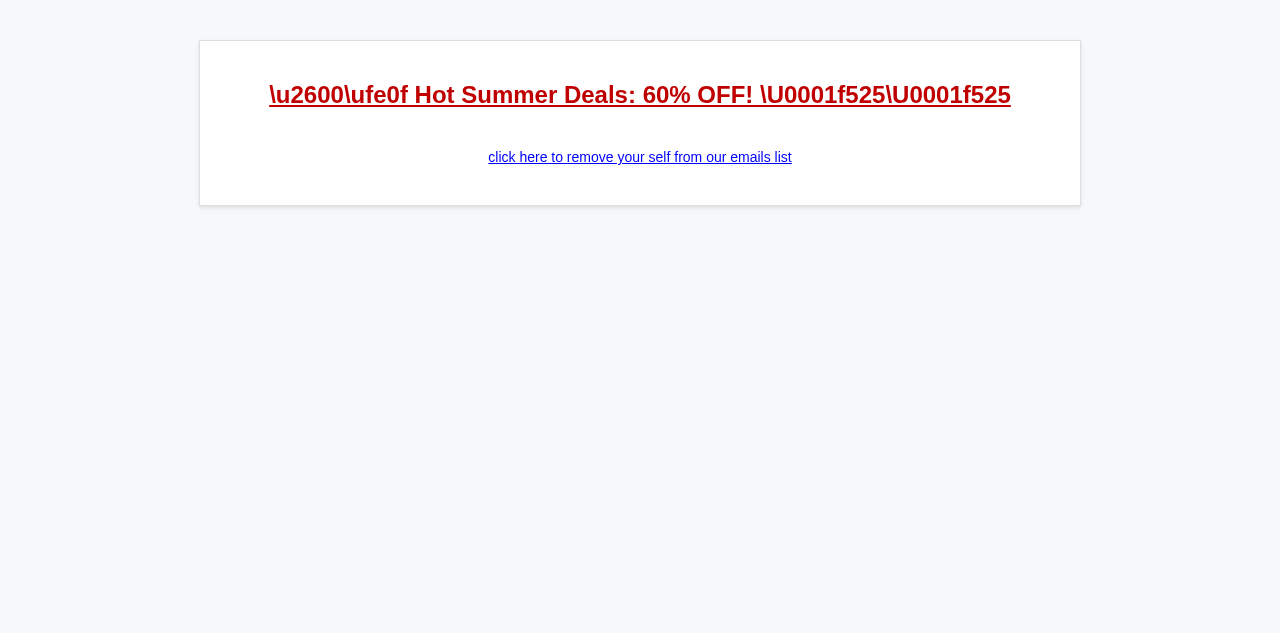
A phishing campaign has been identified targeting New Zealand recipients with a spoofed retail promotion email, presenting itself as a legitimate seasonal sale offer. The message arrives with a subject line referencing summer discounts of up to 60%, accompanied by an emoji designed to create visual appeal and draw attention in a crowded inbox. The sending domain, shoppingbestof.shop, bears no affiliation with any established retail brand and was likely registered specifically to support this campaign.
The construction of the subject line follows a well-documented social engineering pattern, combining urgency through scarcity framing with the appeal of significant financial savings. Recipients who engage with such messages are typically directed to credential-harvesting pages or sites hosting malicious payloads. The use of a .shop top-level domain is increasingly common in campaigns of this nature, as it lends a superficial sense of commercial legitimacy while remaining low-cost and easy to register anonymously.
Organisations with consumer-facing staff or employees who regularly engage in online purchasing are particularly exposed to campaigns of this type. The lack of a verified sending domain, the absence of a recognisable brand identity in the sender address, and the generic promotional framing are all indicators that should be flagged by both technical controls and end-user awareness training. Email security gateways should be configured to scrutinise newly registered domains and flag unsolicited promotional content from unknown senders.
New Zealand recipients are advised to treat unsolicited promotional emails from unrecognised senders with caution, regardless of how compelling the offer appears. Organisations should ensure that their email filtering policies account for lookalike and newly registered domains, and that staff are trained to verify the legitimacy of sender addresses before clicking any embedded links. Reporting suspicious emails through established internal channels remains an important first line of defence.
The domain the message claims to be from. Fresh registrations and known-bad reputations are the strongest technical tells of a spoofed sender.
Practical steps you or your IT provider can take to reduce the risk from this kind of threat.
• Block and blacklist the domain shoppingbestof.shop at the email gateway, DNS filter, and firewall level to prevent any current or future messages from reaching end users.
• Do not click any links or download attachments contained in the email; if any URLs were visited, immediately isolate the affected device and run a full malware/endpoint security scan.
• Report the phishing email to your organization's security team or IT helpdesk, and submit the message headers and sender details to relevant authorities such as the CERT NZ via their website at cert.govt.nz or by forwarding the email to report@phishing.cert.govt.nz or the CERT NZ via their website at cert.govt.nz or by forwarding the email to report@phishing.cert.govt.nzt.nz).
• Warn and educate users by sending an internal security alert notifying staff or household members about this campaign, reminding them to verify sender domains carefully and treat unsolicited promotional offers with suspicion.
• Review email authentication records (SPF, DKIM, DMARC) on your own domain to ensure your organization cannot itself be spoofed in similar retail-themed campaigns, and consider tightening spam filter sensitivity thresholds.
See what a genuine AliExpress message looks like, the real sender domain, the real link destination, and where to report a fake.